
Cat6, keystone jacks, patch panels, PoE: wiring a house for ethernet comes with its own vocabulary. Here is what each term means before you buy the cable.
Wi-Fi gets the marketing, but a wired ethernet connection is still the most dependable way to link a desktop, a smart TV or a security camera to your network. Pulling cable through a house is a project most people do once, and the terminology on boxes and spec sheets can be opaque: Cat6, keystone jacks, patch panels, PoE. This glossary explains what those terms mean, which numbers matter, and which ones you can safely ignore.
The Standards Behind the Labels
TIA: The Telecommunications Industry Association, the industry group whose standards guide how network cabling systems are designed and installed. The standards give technicians a shared set of rules rather than leaving each one to improvise.
IEEE 802.3: The family of Ethernet standards published by the IEEE, the engineering body that develops them. Any Ethernet implementation listed on a router or switch spec sheet, such as 1000BASE-T, is an IEEE 802.3 standard.
Structured cabling: The organized approach to wiring that standards such as TIA-568 and ISO/IEC 11801 recommend: hierarchical runs connecting through distribution points rather than point-to-point cables stretched wherever a device happens to sit. Standards bodies took this position because unstructured cabling creates exactly the problems homeowners end up debugging, including runs no one can trace and connections no one can document.
TIA-606: The TIA standard covering labeling and documentation. It sounds mundane, but clear labels on every cable and connection let you identify the right one in seconds instead of testing each jack to find it.
Cable Categories From Cat5 to Cat8
Cat5: The oldest cable still mentioned, with a maximum speed of around 100 Mbps and 100 MHz of bandwidth. It is obsolete and hard to find, and when someone says Cat5 they almost always mean Cat5e.
Cat5e: Cat5 with the “e” standing for enhanced, meaning tighter twisting and better control of crosstalk, the interference between wires inside a cable. Rated at 100 MHz, it carries gigabit speeds over the full 100-meter channel using all four wire pairs, and it is typically the least expensive category on the shelf.
Cat6: Steps up to 250 MHz of bandwidth with stricter limits on crosstalk and system noise. It handles gigabit over the full 100 meters and 10-gigabit speeds only up to about 55 meters, and it typically uses 23-gauge conductors.
Cat6a: The augmented version of Cat6, defined by the TIA. Bandwidth doubles to 500 MHz and alien crosstalk, the interference between neighboring cables, improves as well. It carries 10-gigabit speeds over the full 100 meters.
Cat7: 600 MHz of bandwidth with individual shielding around each wire pair, which improves protection against electromagnetic interference and crosstalk. It terminates in GG45 or TERA connectors rather than the usual RJ-45, and it is not recognized by the TIA, so check compatibility before specifying it.
Cat8: The newest category, sitting above Cat7 in the standards family. It gets marketed hard to homeowners, but for typical household runs the categories below it already carry more speed than most internet plans deliver to the house.
| Category | Bandwidth | What it supports |
|---|---|---|
| Cat5e | 100 MHz | Gigabit over the full 100 meters |
| Cat6 | 250 MHz | Gigabit over 100 meters; 10 Gbps limited to about 55 meters |
| Cat6a | 500 MHz | 10 Gbps over the full 100 meters |
| Cat7 | 600 MHz | Shielded pairs, GG45 or TERA connectors, not TIA recognized |
Worth doing
Label both ends of every cable as you pull it. Labeling and documentation get their own TIA standard because a labeled cable takes seconds to identify and an unlabeled one can take an afternoon.
Speed, Bandwidth and Duplex
Bandwidth (MHz): How many signal cycles per second a cable can carry, measured in megahertz. A higher rating means headroom for faster speeds; Cat6a’s 500 MHz is double Cat6’s 250 MHz, which is part of why it sustains 10-gigabit speeds over longer distances.
1000BASE-T: The IEEE name for gigabit Ethernet over unshielded twisted-pair cable, Category 5 or better, at up to 328 feet (100 meters). The number in the name is the speed in Mb/s, so 100BASE-T and 10BASE-T are the slower, older versions of the same idea.
Full-duplex: Sending and receiving at the same time, which is how the standard Ethernet implementations transmit. In practice, a wired connection uses its full capacity in both directions rather than taking turns.
Connectors and Wall Hardware
RJ-45: The standard connector on the end of an ethernet cable and the port it plugs into. It looks like an oversized phone connector, which is essentially what it is.
Keystone jack: The snap-in module that terminates an in-wall cable at a wall plate or patch panel. You punch the wire pairs down into the jack and snap it into the plate, which makes it easy to swap later without redoing the run.
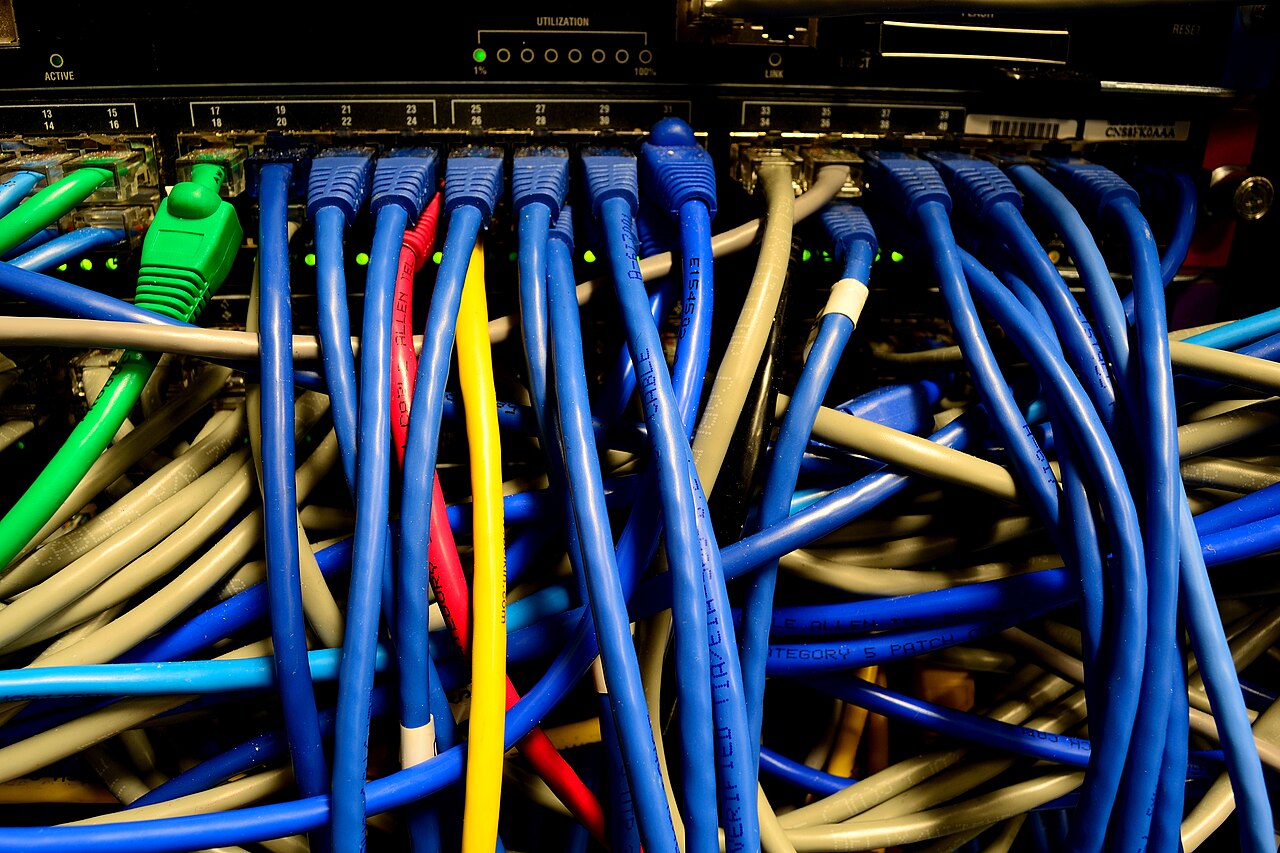
Patch panel: A board, usually in a closet or equipment rack, where every in-wall cable terminates in one place. Short patch cables then connect the panel to a switch. It is structured cabling applied to a house: every run ends somewhere findable.
Switches, Routers and Power over Ethernet
Switch: A box that adds wired ports to your network. The router connects your home to the internet and hands out addresses to devices; the switch multiplies how many devices can plug in with a cable. Most home routers include a small built-in switch, and standalone switches expand from there. Wiring a mesh node with ethernet, often called wired backhaul, also uses one of these ports and takes that traffic off the air entirely.
PoE (Power over Ethernet): Delivers electrical power over the same cable that carries data, so a device needs one cable instead of two. Commonly powered devices include Wi-Fi access points, IP security cameras, VoIP phones and access-control readers. As more devices draw power over the network, a cable’s ability to handle that load matters, which is one reason the higher categories come up in planning for new runs. If cameras are part of the plan, the wiring choices connect to bigger questions about what those devices record; our guide to home security cameras without the privacy problems covers that side.
How Far a Run Can Go
The IEEE specifications allow a maximum Ethernet length of 328 feet (100 meters) for the common twisted-pair implementations over Category 5 or better cable, and that length is measured between any two stations. Every patch cord in the path counts toward the total, so a long in-wall run plus long patch cables at each end can push a connection past the limit.
Cable jackets also carry ratings tied to where the cable runs. Spaces that circulate air, such as the cavity above a drop ceiling, and vertical runs between floors have their own requirements, and building codes determine which jacket rating a given run needs. Codes vary by location, so check with your local building department before buying cable in bulk.
Alternatives to Pulling Cable
Powerline adapter: A pair of devices that sends network data over your home’s existing electrical wiring. One plugs in near the router and the other near the device that needs a connection. Performance depends on the age and condition of wiring you cannot inspect, so treat advertised speeds as a ceiling rather than a promise.
MoCA adapter: A similar idea using the coax cable already run for cable TV. It turns existing coax runs into an ethernet path, which can be handy in homes with coax in the right rooms. As with powerline, real-world results depend on the wiring behind the walls.
Wiring a house is the unglamorous half of a home network, and it pairs naturally with the wireless side described in Router and Wi-Fi Terms to Know Before You Upgrade. If devices still drop connections after the cables go in, What to Do If Your Wi-Fi Keeps Dropping covers the usual causes, and What a Mesh Wi-Fi System Really Costs breaks down the alternative to pulling cable at all.
The essentials
- Cat5e carries gigabit over the full 100 meters at 100 MHz; Cat6 reaches 250 MHz and Cat6a 500 MHz, with 10-gigabit speeds over 100 meters on Cat6a.
- The IEEE specifications set a maximum Ethernet run of 328 feet (100 meters) between devices, and every patch cord in the path counts toward it.
- Structured cabling, with labeled runs and a central patch panel, comes from TIA standards and makes troubleshooting far easier.
- PoE delivers power over the same cable as data, which is how access points, IP cameras and VoIP phones often run on one wire.
- Powerline and MoCA adapters reuse electrical or coax wiring, but real-world performance depends on wiring you cannot inspect.
Reader questions
Is Cat6 worth it over Cat5e for a home?
Both handle gigabit over the full 100 meters, but Cat6 adds 250 MHz of bandwidth and stricter crosstalk limits. If you might want 10-gigabit speeds later, Cat6a sustains them over the full 100 meters while Cat6 is limited to about 55 meters.
How long can an ethernet cable be?
The IEEE specifications allow a maximum of 328 feet (100 meters) for common twisted-pair Ethernet, measured between the devices at each end. Every patch cord in the path counts toward that total.
Do I need a patch panel?
No, but it gives every in-wall cable a single findable endpoint, which is what structured cabling standards recommend. Without one, cables end wherever the switch happens to sit.
What can PoE power?
Commonly powered devices include Wi-Fi access points, IP security cameras, VoIP phones and access-control readers. One cable carries both the data and the electricity.
We describe how services generally work; features, settings and terms change often, and they differ between companies. This is general information, not legal advice. Check the provider’s current policies and official sources such as FTC.gov.