
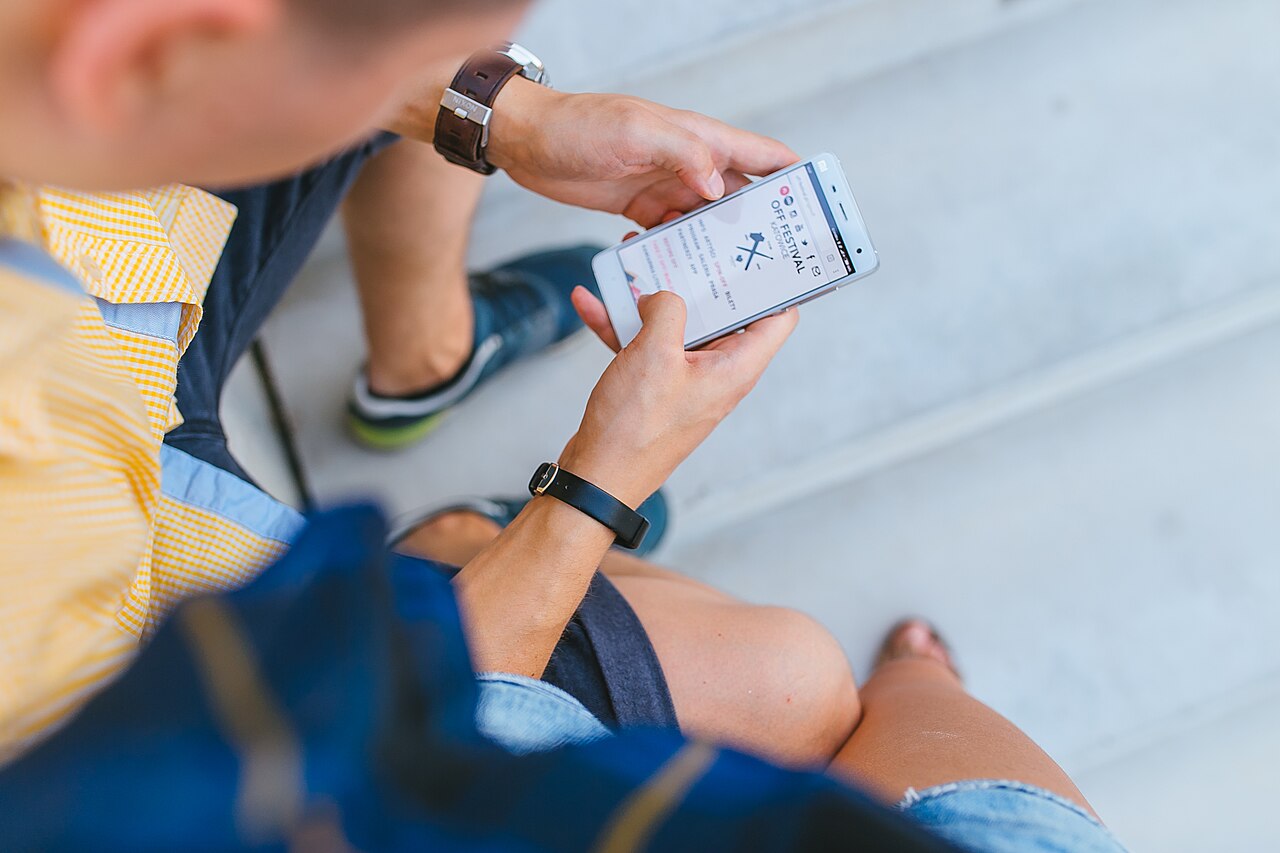
Your phone number works as a backup key to your email and bank, so losing it costs more than a missed call. Below: locking it at the carrier, cutting reliance on text codes, and recovering if service goes dark.
A phone number stopped being just a way to reach you once banks, email providers and social networks began sending login codes to it. That makes the number a key, and a key can be copied without anyone touching your handset. What follows is the order of work: what to ask the carrier, which settings to change, and what to do in the first hour after service goes quiet.
What a SIM Swap Does With Your Number
A SIM card is the small chip that ties a handset to a carrier account; an eSIM does the same job from inside the phone. In a swap, someone talks your carrier into moving your service onto a SIM or device they hold. The FTC describes the usual script: the caller claims your phone was lost or damaged, then asks the provider to activate a fresh SIM linked to your number on a handset they own. If the request clears, the attacker receives your calls, texts and data, and you get nothing.
Port-out fraud is the close relative. There the number leaves for an account at a different carrier. Either way, the attacker ends up holding the line.
The damage spreads from there. Plenty of services treat a texted code as proof of identity, so the attacker can trigger a password reset and read the code the moment it lands. The FTC notes that whoever controls your number may also create new wireless accounts billed to your name, or order handsets charged to your information, then change passwords and shut you out of your own email or social profiles. Holding the number does not mean every account was opened, but each one that trusts a text code is exposed.
The counts are modest; the cost per victim is not. The FBI logged 982 SIM-swap reports in 2024, with losses of almost $26 million, according to figures cited by the U.S. PIRG Education Fund, or more than $26,400 per report.
Federal rules help up to a point. The FCC’s November 2023 order requires carriers to verify a customer’s identity securely before a number moves to a new device or another provider, and to give notice when a SIM change or port-out is requested. The agency treats those as baseline safeguards, not a guarantee.
Step 1: Ask What Lock Your Carrier Offers
One question starts the job: what can be switched on so the number cannot move without me? The FCC recommends asking about a PIN or password that has to be supplied before a number can go to another device or carrier. The three national carriers below each offer a free lock that covers part of that ground.
| Carrier | Name of the lock | Where to find it |
|---|---|---|
| Verizon | Number Lock | My Verizon, Security page, or dial *611 |
| T-Mobile | Port Out Protection | Added to each line on the account |
| AT&T | Wireless Account Lock | myAT&T app, Services, Mobile Security |
Confirm the details with the carrier rather than assuming. Verizon’s lock prevents a move to another line or carrier, but SIM and device changes still go through. T-Mobile’s protection has to be added line by line, and on postpaid accounts removing it is reserved for the primary account holder. AT&T’s lock, on postpaid consumer accounts, stops SIM and eSIM changes, number transfers, device upgrades, new lines and billing edits for as long as it stays on.
While you are in the account settings, shrink the raw material a scammer works with. The FTC advises against publishing your complete name, street address or phone number where the public can see it, since an identity thief can use those details to answer the verification questions guarding your accounts.
Step 2: Choose a Carrier PIN That Stands Alone
The PIN on the wireless account should be its own credential, not the four digits that open your phone. The FCC is plain about this: neither the code that gets you past your lock screen nor the PIN attached to the physical SIM card does the job of protecting the carrier account.
Transfer PIN rules are where social engineering succeeds, so learn them before a caller recites them at you. A transfer PIN exists only to move your number to another carrier, it lasts a short time, and it should never be read aloud to anyone on an inbound call. Verizon’s version expires after 7 days and the company says it never asks for it. At T-Mobile, creating a temporary port-out PIN on a postpaid account is limited to the primary account holder, and Port Out Protection has to be off first.
Step 3: Move the Second Factor Off Text Messages
Multi-factor authentication asks for two credentials: your password plus something you have, such as a texted code, an authentication app or a security key, or something you are, such as a fingerprint or face scan. Text codes are the weakest of those, because the code travels over exactly the channel a swap hijacks. For anyone concerned about SIM swapping, the FTC points to authenticator apps and hardware security keys as the better second step.
U.S. PIRG makes the same argument: authenticator apps do not rely on text messages, so a criminal who holds your number cannot intercept those codes. The switch does not seal every door, because other recovery routes remain open, but it removes the easiest one. If you are deciding where to keep logins, our comparison of a password manager against browser password storage covers what each one stores and what it exposes.
Step 4: Secure the Email and Bank Accounts Behind Your Number
Your inbox is the master key, since password resets for everything else land there. Work in order: email first, then banking and cards, then anything holding payment details. Give each account a unique password, turn on app-based verification where it is offered, and check whether your number is still listed as a recovery contact on accounts you opened years ago.
Turn on alerts for banks and card issuers, too. A notification about a login or charge you did not make is often the earliest signal. Treat any request for account details that reaches you first as suspect, whether it arrives by call, email or text; if a message claims to be your bank or carrier, call back on a number you already have.
Step 5: Recognize a Port-Out in Progress
The tell is sudden silence. Service drops with no explanation, calls and texts stop arriving, mobile data disappears, or the handset flips to “SOS Only.” A second signal: an unexpected message from the provider saying your SIM was set up on a different handset, or a prompt asking you to re-activate your SIM.
Watch for
Callers who claim to be from the FTC and threaten to deactivate your number are scammers. A real FTC employee will never ask you to send money, never threaten to disconnect your phone, never tell you to keep the conversation secret, and never text a photo of an employee ID to prove who they are.
Step 6: Recover a Number That Has Been Taken
Start with the carrier. The FCC advises contacting your wireless provider immediately, then notifying banks and financial institutions and securing the affected accounts. Ask the provider to restore service to your device and to note in the record that the change was fraudulent.
From a device that was not compromised, change passwords on every account that used your number, beginning with email. Look for a new recovery address, an added phone number, a new payee, a transfer you do not recognize. Report the incident to the FTC, and to the FBI’s Internet Crime Complaint Center if money was lost. A fraud alert on your credit files is worth considering if new accounts may have been opened in your name.
Step 7: Keep a Way to Reach People Without Your Number
The awkward part of a takeover is that each recovery step seems to need the phone that just went dark. Plan around that in advance. Write your carrier’s customer service number and your bank’s fraud line somewhere other than the handset, and confirm you can open your email from a second device or a household member’s phone. Store recovery details off the phone as well.
Two follow-ups are worth doing while the details are fresh. Review which old accounts still list your number with our walkthrough on cleaning up old online accounts, and learn how a credit freeze or fraud alert limits new accounts opened in your name.
The essentials
- In a SIM swap, a scammer persuades your carrier to move your number to a SIM they control, then uses it to receive the text codes that reset your passwords.
- The FBI logged 982 SIM-swap reports in 2024, with losses of almost $26 million, according to figures cited by the U.S. PIRG Education Fund.
- Ask your carrier about a free account lock and a separate PIN, and learn how its transfer PIN works before anyone asks you for one.
- Where a service supports it, use an authentication app or security key instead of text messages, and turn on bank alerts for logins and charges.
- If service suddenly stops or flips to SOS Only, call your carrier first, then your bank, and report the incident to the FTC.
Reader questions
What is the difference between a SIM swap and a port-out?
A SIM swap moves your service to a SIM the attacker controls at your own carrier. Port-out fraud transfers your number to an account at a different carrier. Both hand the attacker your calls and texts.
Does a carrier lock stop every SIM swap?
No. It adds a layer an attacker has to get past, but the FCC treats carrier authentication and notification rules as baseline safeguards rather than a guarantee, and available features vary by carrier.
Should I stop using text-message codes entirely?
Move to an authentication app or security key on accounts that support one, which is what the FTC suggests for people worried about SIM swapping. Some accounts still offer only text codes.
What should I do first if my phone loses service for no reason?
Contact your wireless provider immediately and ask whether a SIM change or port-out was requested. Then notify your banks and change passwords from a device that was not affected.
We describe how services generally work; features, settings and terms change often, and they differ between companies. This is general information, not legal advice. Check the provider’s current policies and official sources such as FTC.gov.