
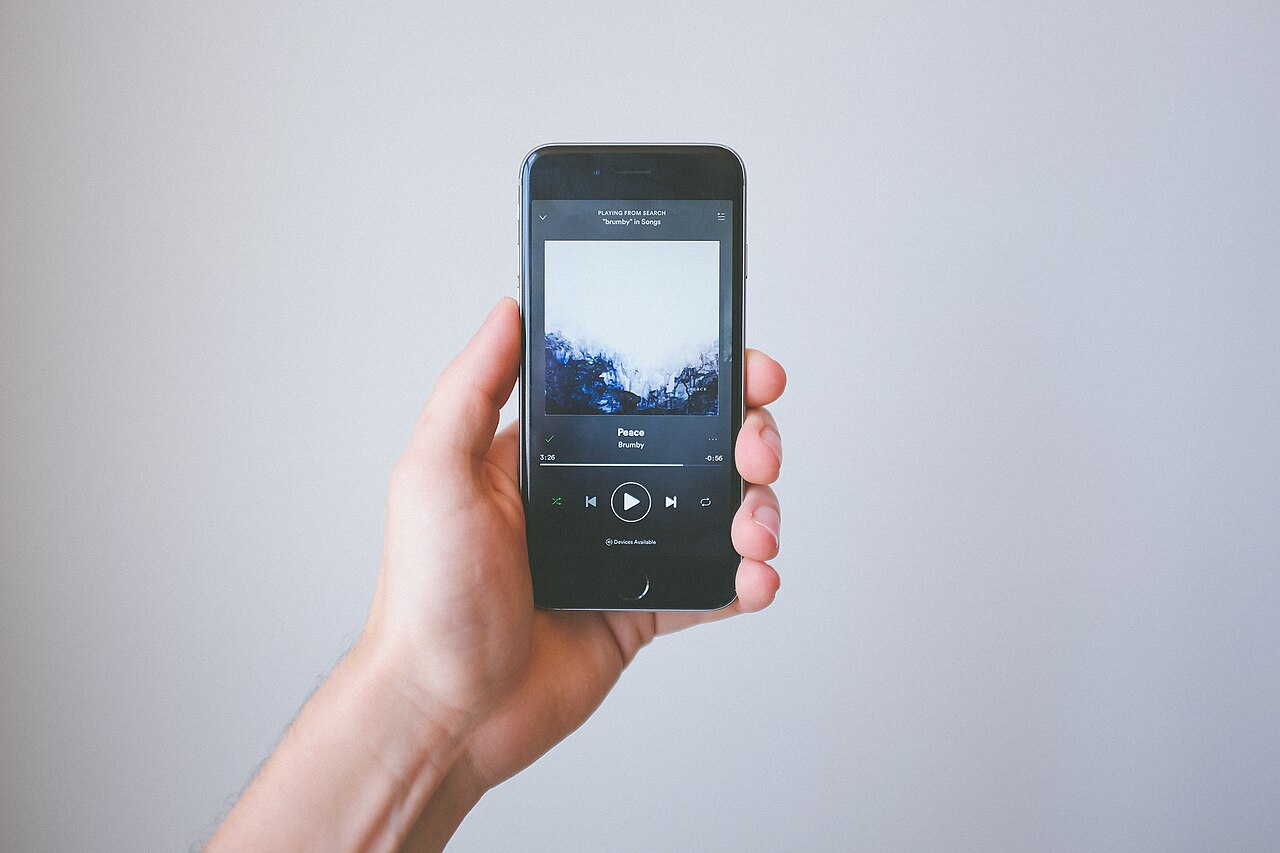
If your recurring charges run through Apple’s App Store or Google Play, the master list lives on your phone, not with each service. Here is how to find it, read it, and change or cancel anything on it.
A growing share of household subscriptions never bill the service directly. The streaming app, the meditation app, the cloud storage plan: they were all signed up for inside a phone, so the charge arrives from Apple or Google instead. That arrangement is convenient until you want to see the full list, change a plan, or stop paying for something. The good news is that both stores keep a single subscription list on your phone, and this guide walks through where it hides and what to do once you find it.
Why Some Subscriptions Live in Your Phone
When you download an app from the App Store or Google Play, the app often adds extra features through a subscription. Instead of handing your card details to each developer, you pay through the store, and the store renews the charge automatically until you cancel it.
Apple-billed subscriptions include first-party services such as Apple Music, Apple TV+, Apple Arcade, and iCloud+, along with anything third-party you bought through the App Store. Google Play handles the equivalent for Android, including YouTube Premium and storage plans.
The catch is that the store list is not always the whole picture. Some well-known services, including Spotify, Netflix, and Hulu, often require you to manage billing through their own websites, so they will not appear in your phone’s subscription list at all. If you are trying to figure out where all the money goes, our guide to auditing your streaming subscriptions helps you match charges to services.
Finding Your Subscription List on an iPhone
On the iPhone, the shortest route runs through Settings. Open Settings, tap your name at the top of the screen, and tap Subscriptions. That page lists every active subscription tied to your Apple Account, along with anything already canceled.
You can also get there through the App Store app by tapping your profile picture and selecting Subscriptions. Both routes lead to the same menu, so neither is more correct than the other.
The same list exists on other Apple devices, which matters for households where the subscriptions were bought on something other than a phone. On a Mac, open the App Store, make sure you are signed in with the same Apple Account used to buy the subscriptions, click Manage next to Subscriptions, and click Edit to pick one. On a Windows PC, the Apple Music or Apple TV app has a Manage button next to Subscriptions in the account settings.
Finding Your List on Android
On an Android phone, open the Google Play Store app, tap your account avatar in the top right corner, and choose Payments and subscriptions, then Subscriptions. That screen shows active subscriptions and, below them, any that have been canceled.
A second route lives in the phone’s Settings app: tap Google, then your name, then Manage your Google Account, and look for Payments and subscriptions. From there you can manage subscriptions as well as purchases and reservations made through Search, Maps, and Google’s assistant features.
Two quirks are worth knowing. First, if a subscription does not appear, you may be signed into the wrong Google Account; the store lets you switch between accounts to check. Second, accounts for children under 13 that are managed through Family Link do not show purchases or subscriptions in the child’s account, because a parent manages them. A family manager can find purchases made by family members with the family payment method listed under each entry.
| Where you are | Path to the subscription list |
|---|---|
| iPhone | Settings, tap your name, Subscriptions |
| iPhone, second route | App Store, profile picture, Subscriptions |
| Android | Play Store, avatar, Payments and subscriptions, Subscriptions |
| Android, second route | Settings, Google, Manage your Google Account, Payments and subscriptions |
| Mac | App Store, sign in, Manage next to Subscriptions |
What Each Subscription Entry Tells You
Tap any subscription and you get a detail view with the pieces of information that matter most: the renewal date, the price, and the plan options. That is the page to screenshot if you are documenting what your household pays for.
The status labels deserve attention. On Apple devices, if a subscription shows an expiration date or a message in red text, it is already canceled and will simply lapse at the end of the paid period. On Google Play, canceled subscriptions move to an inactive section of the list.
Both stores also keep purchase records you can check against your bank statement. Google sends a confirmation email to your account for each Play purchase, and the Play Store’s Budget and history page lists app, digital content, and subscription transactions. Apple lets you view your purchase history for App Store and iTunes Store purchases, which is the place to start if you do not recognize a charge. Charges generally appear within a few days, though in rare cases a bank can take up to 10 business days to post one.
Google also distinguishes between types of recurring charges. Automatic monthly payments bill your payment method at the same time every month, automatic payments charge it whenever you owe a certain amount, and manual payments are prepaid plans that do not renew on their own. Knowing which kind you have tells you whether a cancellation is even necessary.
Changing Plans, Downgrading, and Resubscribing
Plan changes happen in the same detail view where you found the subscription. On an Apple device, open the subscription and look at the Options list; pick a different tier or billing frequency, then confirm. This is how you downgrade a storage plan or move between monthly and annual billing without canceling anything.
Google Play offers the same ability to change a subscription from its detail page, and its subscription screen also covers pausing for services that support it. If the problem is the payment method rather than the plan, Google’s payments settings let you change the card attached to a subscription; note that some payment methods simply cannot be used for subscriptions.
Resubscribing is easier than starting over. If a lapsed subscription is one you want again, you can usually restart it from the subscription list itself rather than signing up again from scratch. Prepaid plans work differently: they last for a fixed period, and you can extend one by tapping Extend on the plan, either in the Play Store’s subscription section or inside the app itself.
Canceling, and How Long You Keep Access
Cancellation follows the same path as everything else. On the iPhone, open the subscription from Settings or the App Store, scroll if needed to find the Cancel Subscription button, and confirm. On Google Play, select the subscription and tap Cancel Subscription; the store may ask you to choose a reason before confirming.
Neither store cuts off access the moment you cancel. Because you already paid for the current period, the subscription stays active until that period ends, and you will not be charged again. Google’s own example: a one-year plan bought on January 1 for $10 and canceled on July 1 keeps working until December 31, with no new $10 charge the following January. Apple describes the same behavior, with the service remaining usable through the billing cycle you have already covered.
A few details make cancellation less frustrating:
- Deleting an app does not cancel its subscription. The charge continues until you cancel in the store.
- On Google Play, payments you have already made are not refunded when you cancel, and a cancellation cannot be undone, though you can always resubscribe.
- Prepaid plans expire on their own at the end of the billing period, so there is nothing to cancel.
- If the Cancel option is unavailable, Google directs you to the subscription’s management page inside the app or the provider’s own site.
Automatic renewals are where unwanted charges tend to pile up, and the rules around them are worth understanding before you need them. Our article on what the law requires when canceling online subscriptions covers them in detail.
Watch for
Deleting the app is not the same as canceling. Uninstalling a subscription app removes it from your phone while the billing continues. Always cancel from the subscription list itself.
Asking the Store for a Refund
Both stores have refund processes, though neither guarantees approval. Apple says App Store and iTunes Store purchases may be eligible for a refund; you sign in with your Apple Account, choose Request a refund, and explain the situation. Google Play says that in some instances you may be eligible for a refund after canceling, and its refund policies vary by region and content type, so the outcome depends on the specifics.
A few situations have clearer answers. An unused prepaid plan on Google Play can be refunded on request. Payment plans are the opposite: once your payment method has been charged, you cannot cancel the remaining payments, though you can stop the plan from auto-renewing so nothing new starts, and you remain responsible for what is already owed.
For a charge you do not recognize at all, check your purchase history first before assuming fraud. Store charges sometimes appear under a parent company’s name, and a family member’s purchase can explain a mystery line on the statement.
Keeping the Account That Holds Your Subscriptions Safe
Whichever store holds your subscriptions also holds your payment method and, in many cases, years of purchase history. That makes the underlying account, your Apple Account or Google Account, a target worth protecting. Use a strong, unique password, and turn on the account’s two-factor authentication if you have not already. A password manager can generate and store those credentials; our checklist on what to check before you install a password manager covers the questions to ask first.
Households that share accounts have an extra consideration. Apple’s Family Sharing lets eligible App Store subscriptions be shared among family members, but it requires one adult, the family organizer, to set it up. Decide deliberately who holds that role, because that person’s account becomes central to the household’s billing. If credentials need to be shared, our guide to sharing passwords safely with family covers safer methods than texting them around. Be skeptical of emails claiming to be from a store about a subscription problem; Apple publishes guidance on identifying legitimate App Store and iTunes emails, and a real notice will match what you see when you open the subscription list yourself.
If this article has a first step, it is a five-minute one: open the subscription list on your phone tonight and write down each renewal date and price. That single list, matched against what your household actually uses, is where every later decision about keeping, downgrading, or canceling starts, and our streaming subscription audit guide shows you what to do with it next.
The essentials
- On iPhone, the subscription list sits in Settings under your Apple ID name; on Android, it sits in the Play Store under Payments and subscriptions.
- Canceling stops the next renewal but keeps your access until the end of the period you already paid for.
- Deleting an app does not cancel its subscription; you have to cancel it in the store’s subscription list.
- Both stores offer refund request paths, but eligibility is not guaranteed and depends on the purchase.
- The account holding your subscriptions also holds your payment method, so protecting that account protects your money.
Reader questions
Why isn’t a subscription I pay for showing up in my phone’s list?
It is probably billed directly by the service rather than through Apple or Google. Check the app’s own account or settings section for billing details, and look at your card or bank statement for charges that do not come from the stores.
If I cancel, do I lose access right away?
No. Both Apple and Google keep the subscription active until the end of the period you have already paid for, and you will not be charged again.
Can I get a refund if I forgot to cancel?
Possibly. Apple lets you request a refund for eligible App Store purchases, and Google says some canceled subscriptions may qualify. Approval is not guaranteed, so the request has to be judged case by case.
What happens if I can’t find a Cancel button?
On Apple devices, a missing Cancel button or a red expiration message means the subscription is already canceled. On Google Play, if the cancel option is unavailable, the store directs you to the app’s own subscription management or the provider’s website.
We describe how services generally work; features, settings and terms change often, and they differ between companies. This is general information, not legal advice. Check the provider’s current policies and official sources such as FTC.gov.